Welcome Message and Suggestions
The Welcome section lets you create a short message and up to four suggested prompts that the Assistant displays when it first launches. Welcome messages have a maximum of 1000 characters, and each suggestion a maximum of 300 characters. Click Done after making changes to preview them in the chat.
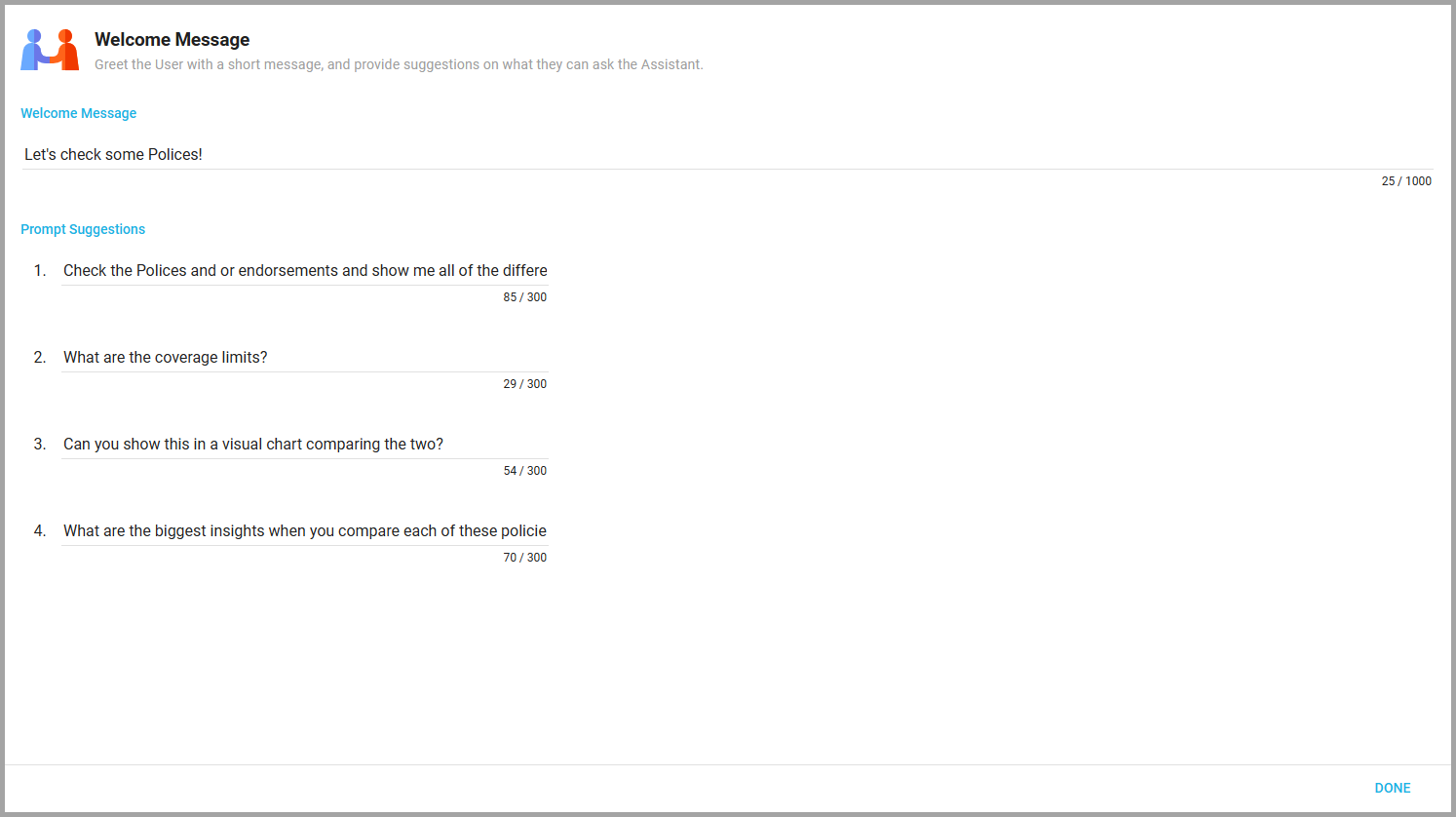
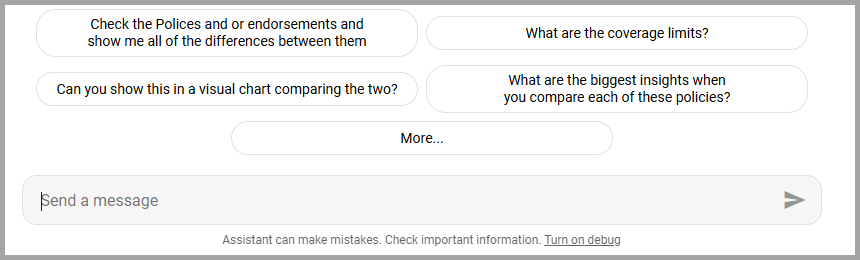
On the Assistant's Chat page, the welcome message appears under the Assistant's icon with the Assistant's name beneath it, and the suggested prompts follow as a list. Users click one to begin the conversation with that question. Once the conversation is under way, the Suggestions feature in the chat's Settings & Tools proposes follow-up questions after each answer.
Also available through the REST API
Everything on this page is built on Informer's public REST API, the same one the product uses, so your scripts and integrations can do it too. Developer reference: Assistant API.