Assigning User Fields
Assign User Fields to Users and specify values. Navigate to the Users page and double-click the User to update, then click Edit User Fields in the User Fields section of the profile.
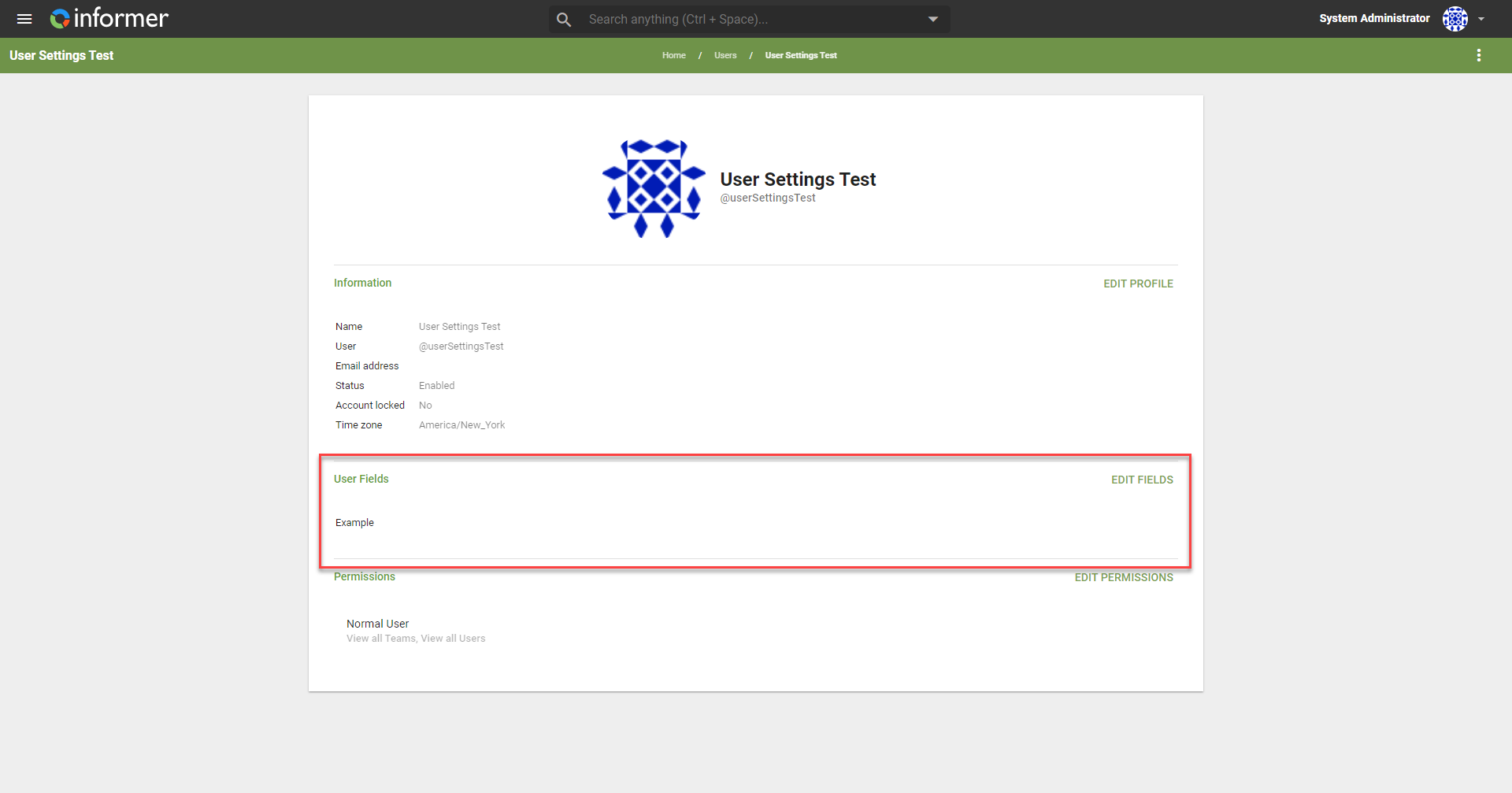
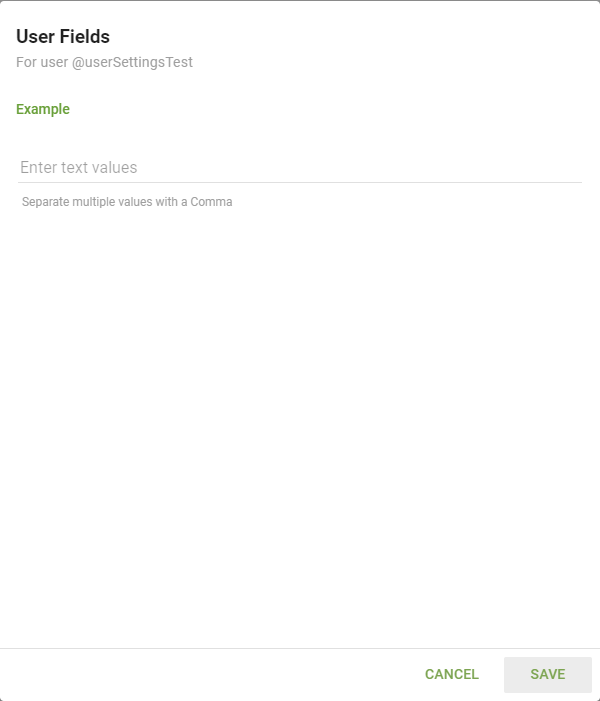
A list of available User Fields displays. Populate the field(s) with the corresponding value for the User.
Also available through the REST API
Everything on this page is built on Informer's public REST API, the same one the product uses, so your scripts and integrations can do it too. Developer reference: User-Defined Fields.