Job listing page
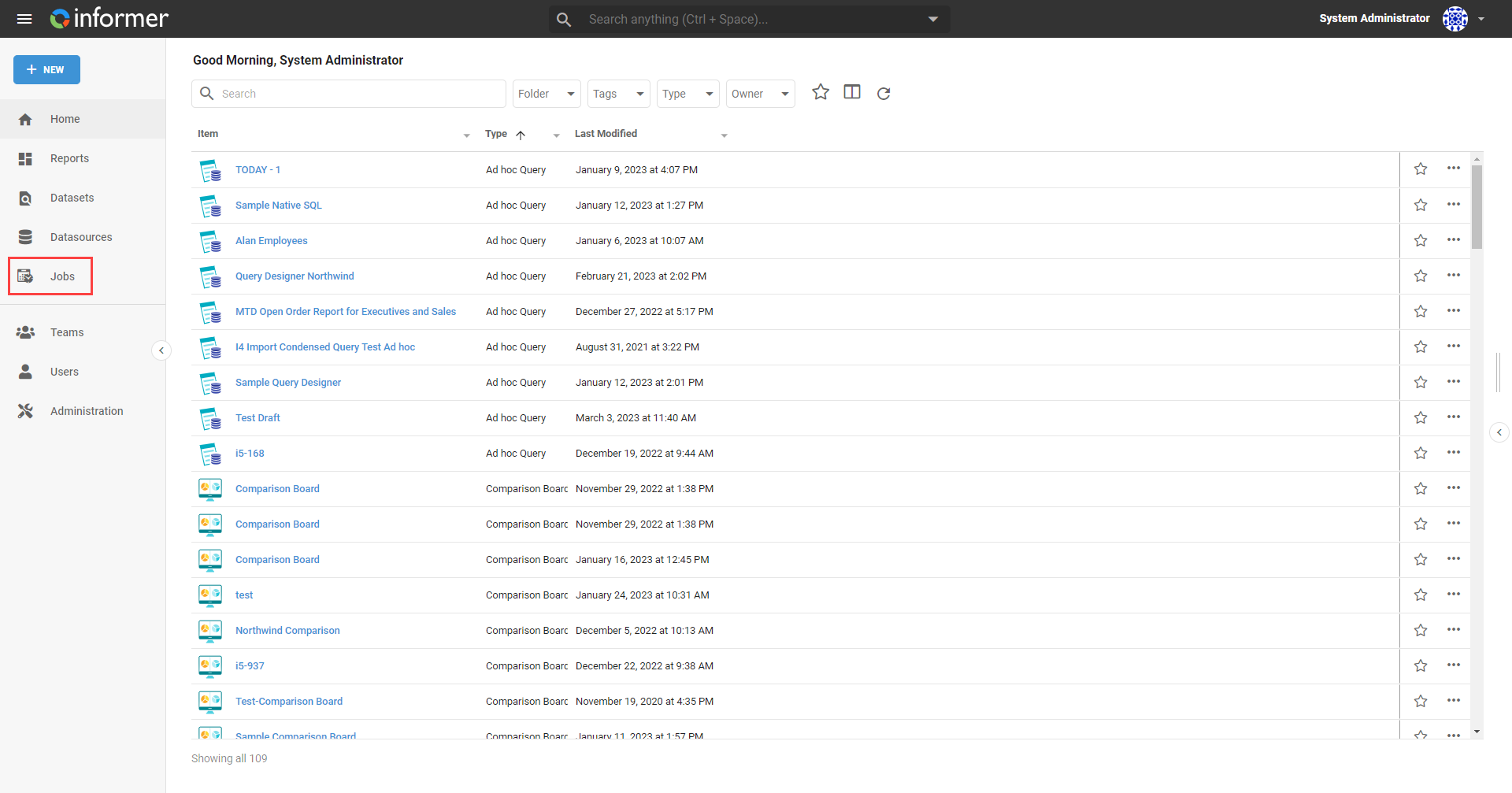
To get to the Jobs section, use the Jobs link on the Home page, or the Jobs link in the navigation bar in the top left.
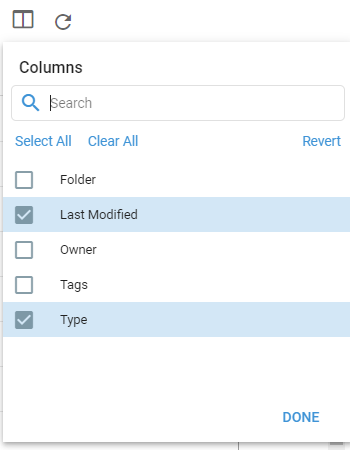
The resulting page lists all the Jobs the current User can access. Use the Choose Columns button to select which columns appear in the table.
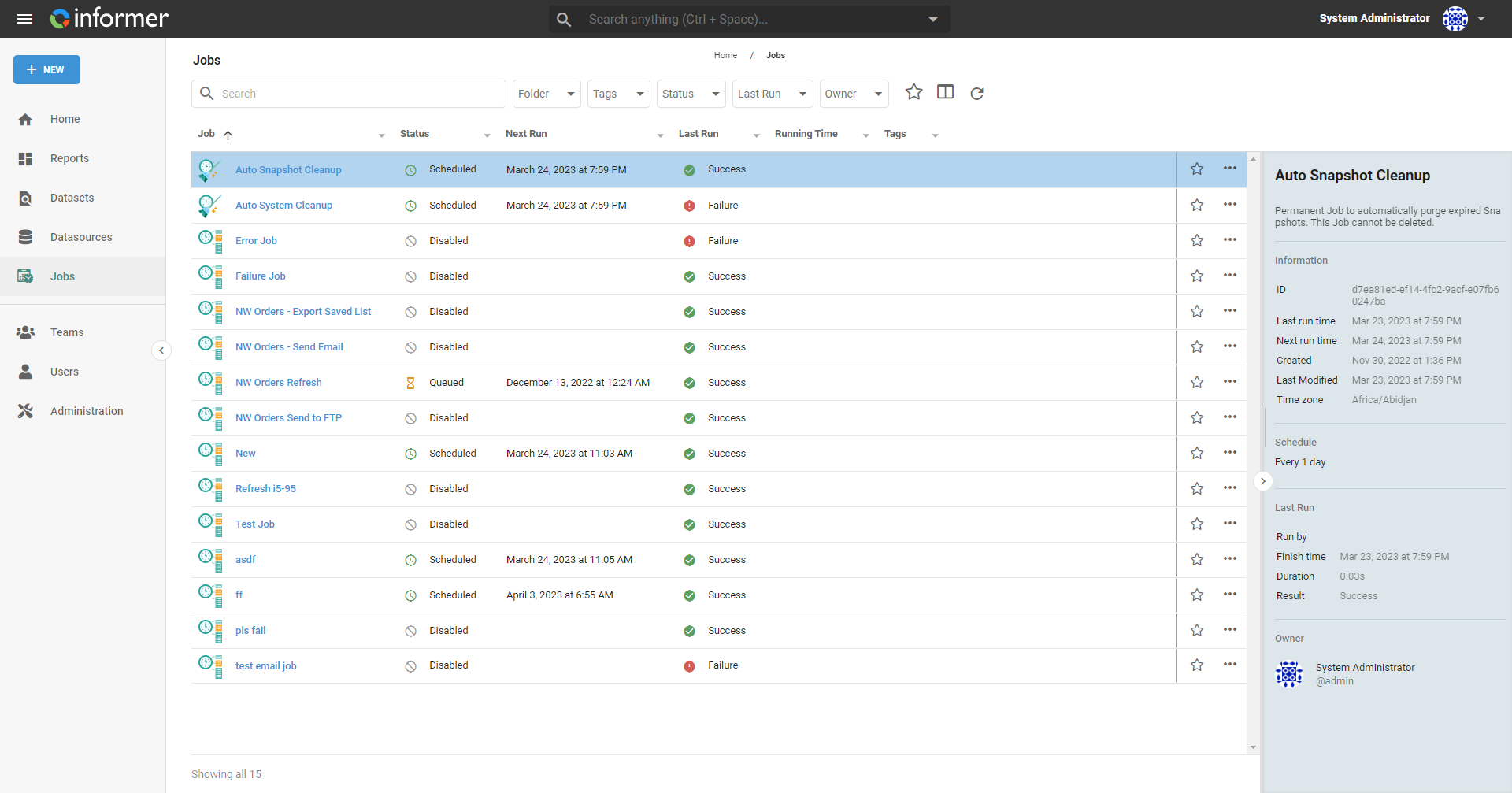
The listing page provides summary information about the Jobs, along with filtering and status options. The search bar at the top filters the list.
The left panel filters on:
- Folder and Tags: narrow the list to one folder or to tagged Jobs.
- Tenants: filter by which Tenant the Job came from. This appears only in multi-tenant systems; Jobs from other Tenants are listed only when you are signed in to the manager Tenant.
- Status: what happens next for the Job.
- Off: Jobs are turned off in the System Settings.
- Disabled: the Job's schedule is off, or it has no next run (including a one-time Job that has already run).
- Queued: the Job is due and waiting to be picked up.
- Scheduled: the Job has a schedule and is waiting for its next run time.
- Running: the Job is running now.
- Last Run: how the most recent run ended.
- Success: the run succeeded.
- Completed with warnings: some Actions partially failed or returned warnings in the log.
- Failure: the run failed.
- Never: the Job has not run yet.
- Owner: the User or Team that owns the Job. Your own entry is pinned to the top as Yours.
The right panel shows when the selected Job last ran, when it runs next, when it was created and last modified, its time zone, its schedule, who ran it last, and the duration and result of its last run.
Also available through the REST API
Everything on this page is built on Informer's public REST API, the same one the product uses, so your scripts and integrations can do it too. Developer reference: Jobs.